UPDATE DATABASE
Here updating data is the same process as entering New Data or Create
Database. At the present time the Application supports just one database created
by the user.
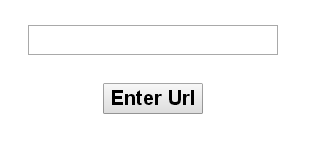
Input the full url starting with "http://" and clicking on the "Enter url"
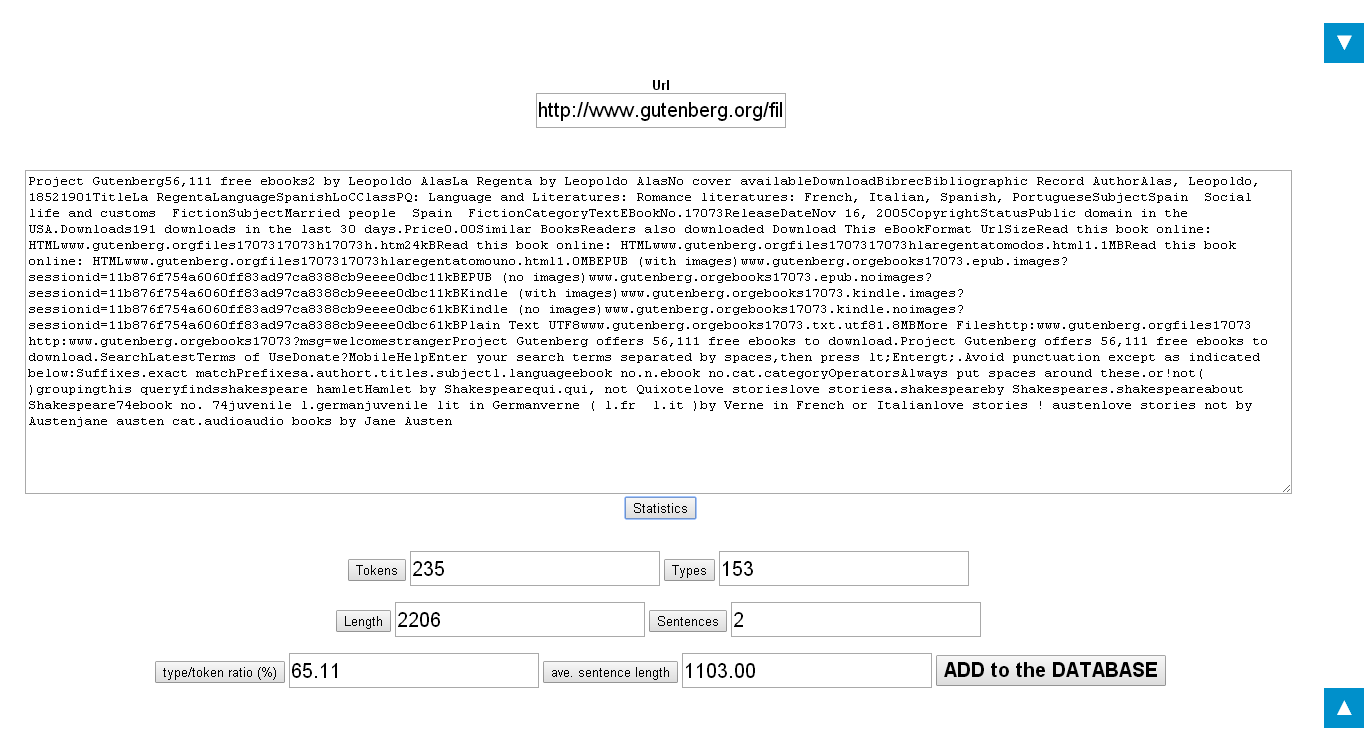
Opening automatically the next screen (picture below)
To see all the filled fields, click on each of the buttons or simply on "Statistics".
The results will be placed in each box in the picture above. After this procedure
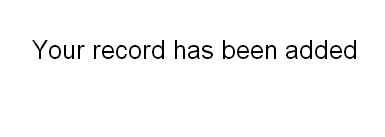
click on "Add to the database" for uploading the database. The message below
aill appear in next screen (picture below)
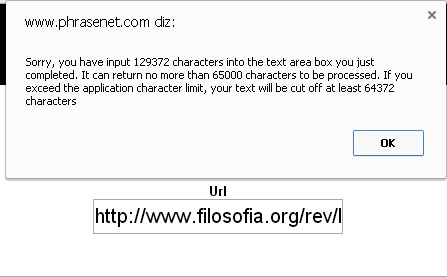
However if the text is too long, with more than 65000 characters a pop up window
will be opened warning that text will not be complete if stored in the database
(picture below). The text will be stored in any way